Your trade. Their space.
Make the choice
easy to picture.
A customer's own photo. The products you sell. A clear next step to an enquiry or quote.
Start your free workspace ↗ 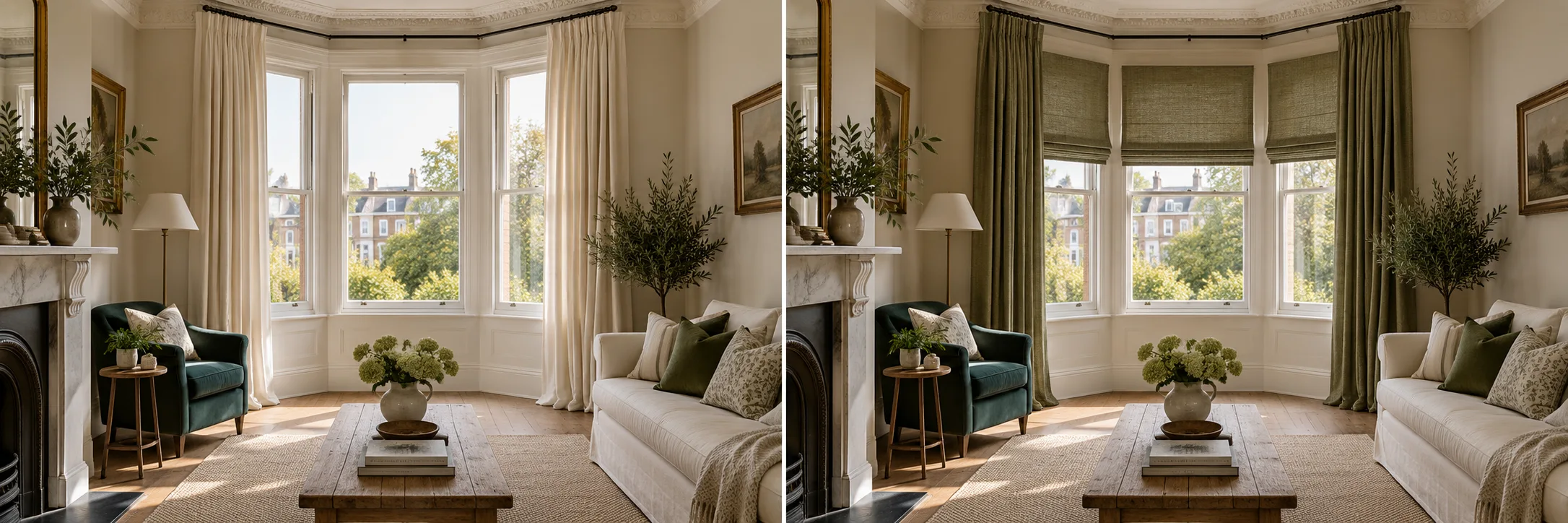 Illustrative example. Generate your own result in your workspace.
Blinds and curtains
Dress their windows.
Preview a blind or curtain fabric against the customer's actual window, furniture and daylight.
Example instructionFit a natural linen Roman blind within this window recess. Keep the frame, room and daylight unchanged.
Upload a reference to use an exact material. Instructions are optional when a material is selected.
Try this for your business ↗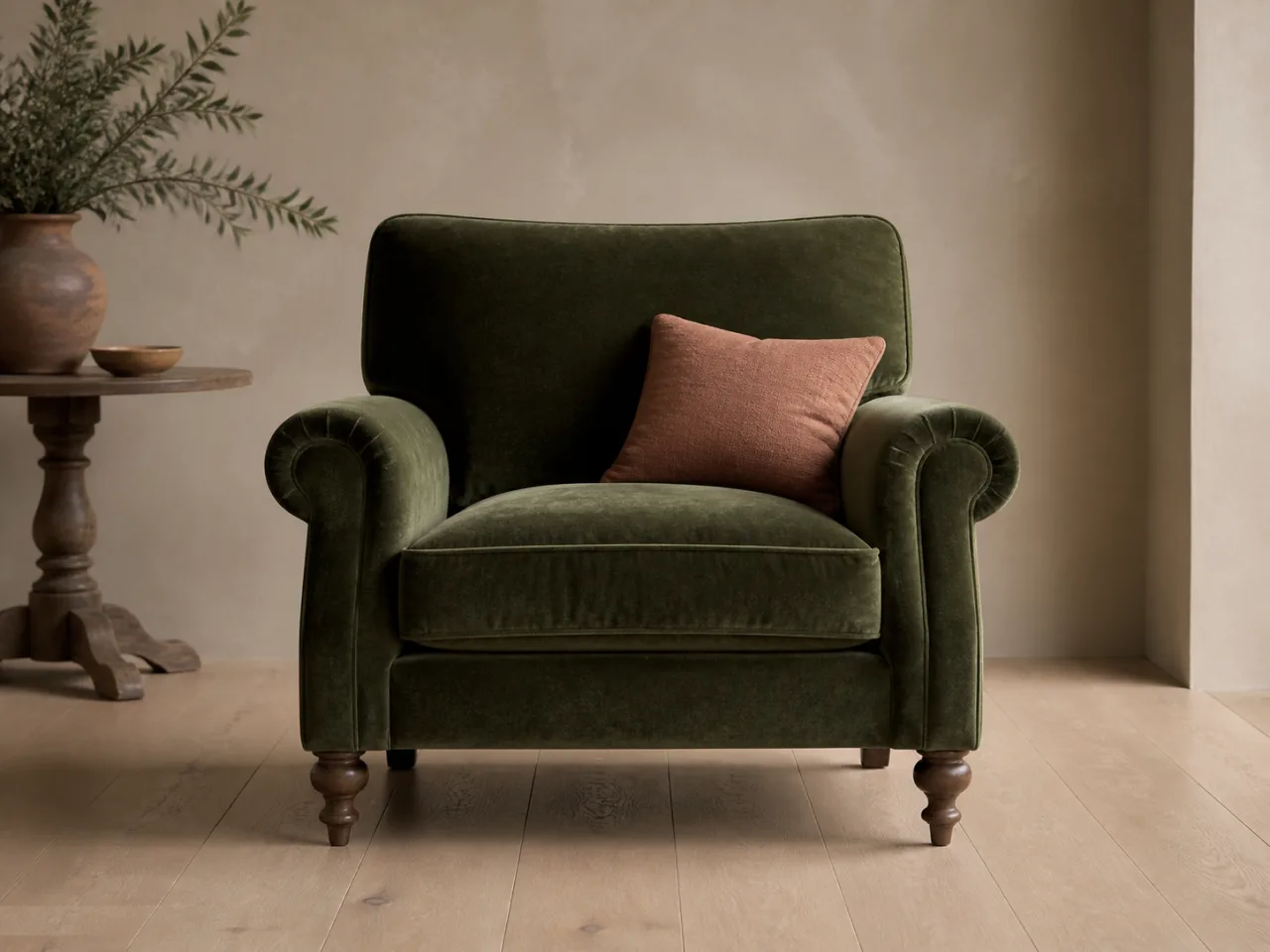 Illustrative example. Generate your own result in your workspace.
Furniture & upholstery
Give the chair a second life.
Use your fabric or leather swatch to show an upholstery finish. Keep the furniture's shape, legs and setting.
Example instructionReupholster only the chair in the supplied moss velvet. Preserve its shape, seams, legs and the room.
Upload a reference to use an exact material. Instructions are optional when a material is selected.
Try this for your business ↗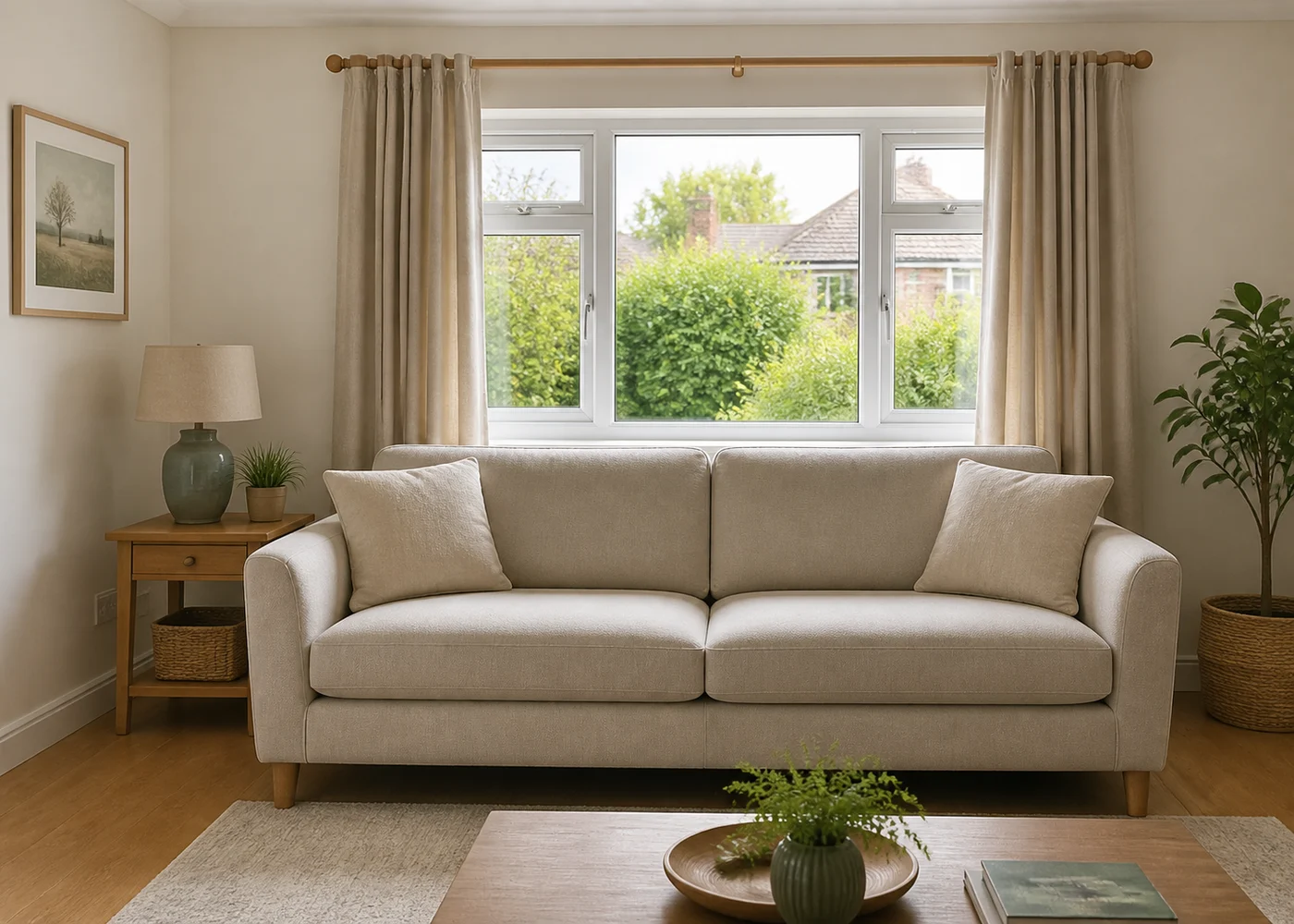 Illustrative example. Generate your own result in your workspace.
Flooring
Put the floor in their room.
Compare flooring finishes with the existing room in view, before making a purchase decision.
Example instructionReplace only the visible floor with warm oak planks. Keep furniture, wall colours and room proportions.
Upload a reference to use an exact material. Instructions are optional when a material is selected.
Try this for your business ↗Paint and walls
Make a colour decision easier.
Preview paint, wallpaper or a wall finish using a colour request or a reference sample.
Example instructionPaint only the walls a muted sage green. Preserve the skirting, doors, furniture and daylight.
Upload a reference to use an exact material. Instructions are optional when a material is selected.
Try this for your business ↗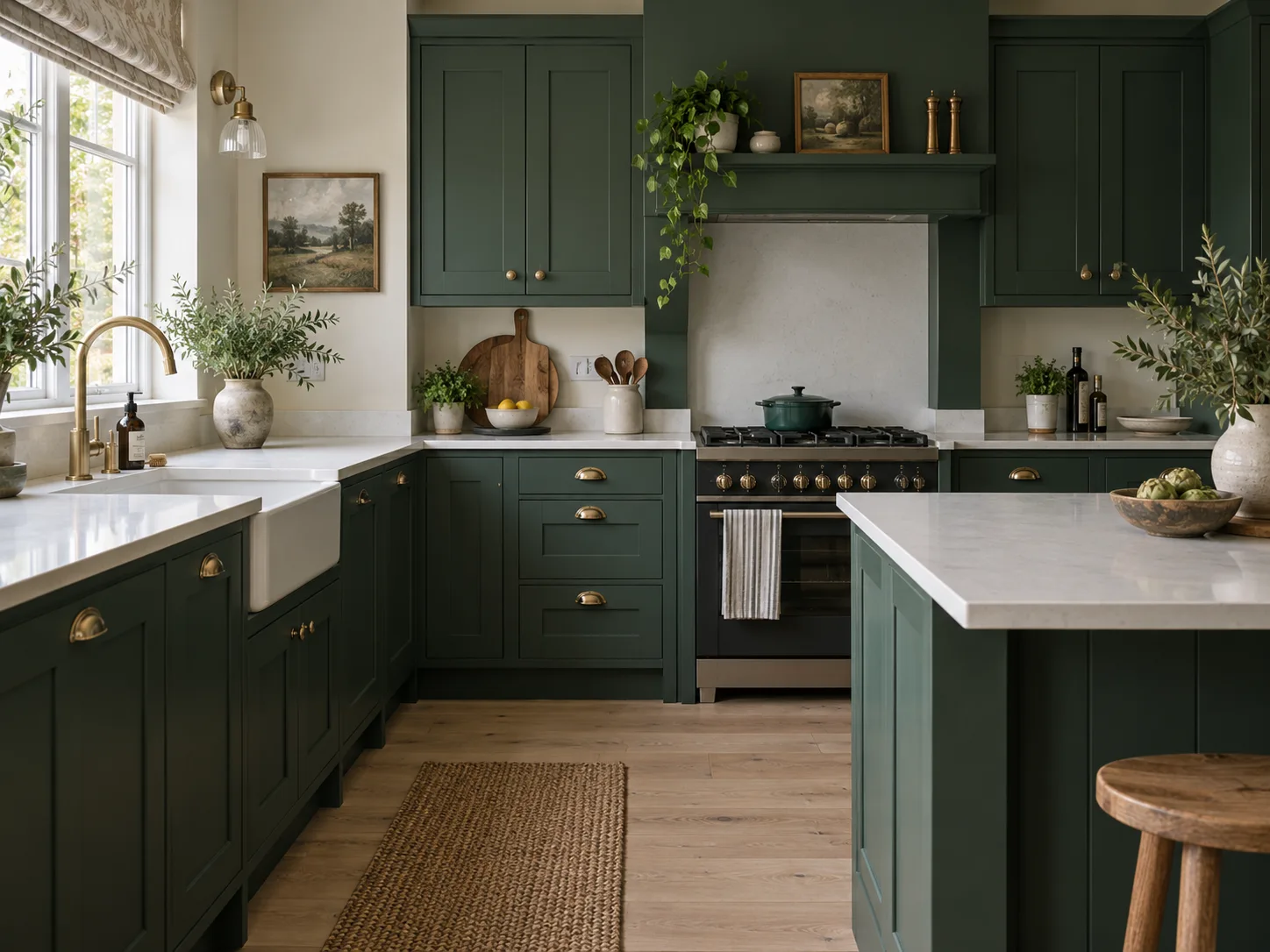 Illustrative example. Generate your own result in your workspace.
Kitchens
Show the finish before the fit.
Visualise cabinet colours, doors and worktop finishes within the customer's existing kitchen.
Example instructionChange the cabinet fronts to deep forest green with brushed brass handles. Preserve the kitchen layout.
Upload a reference to use an exact material. Instructions are optional when a material is selected.
Try this for your business ↗Exterior doors
See the entrance in context.
Compare a door colour and finish on the customer's property rather than a showroom backdrop.
Example instructionChange only the front door to a navy finish. Preserve the opening, glazing, brickwork and surroundings.
Upload a reference to use an exact material. Instructions are optional when a material is selected.
Try this for your business ↗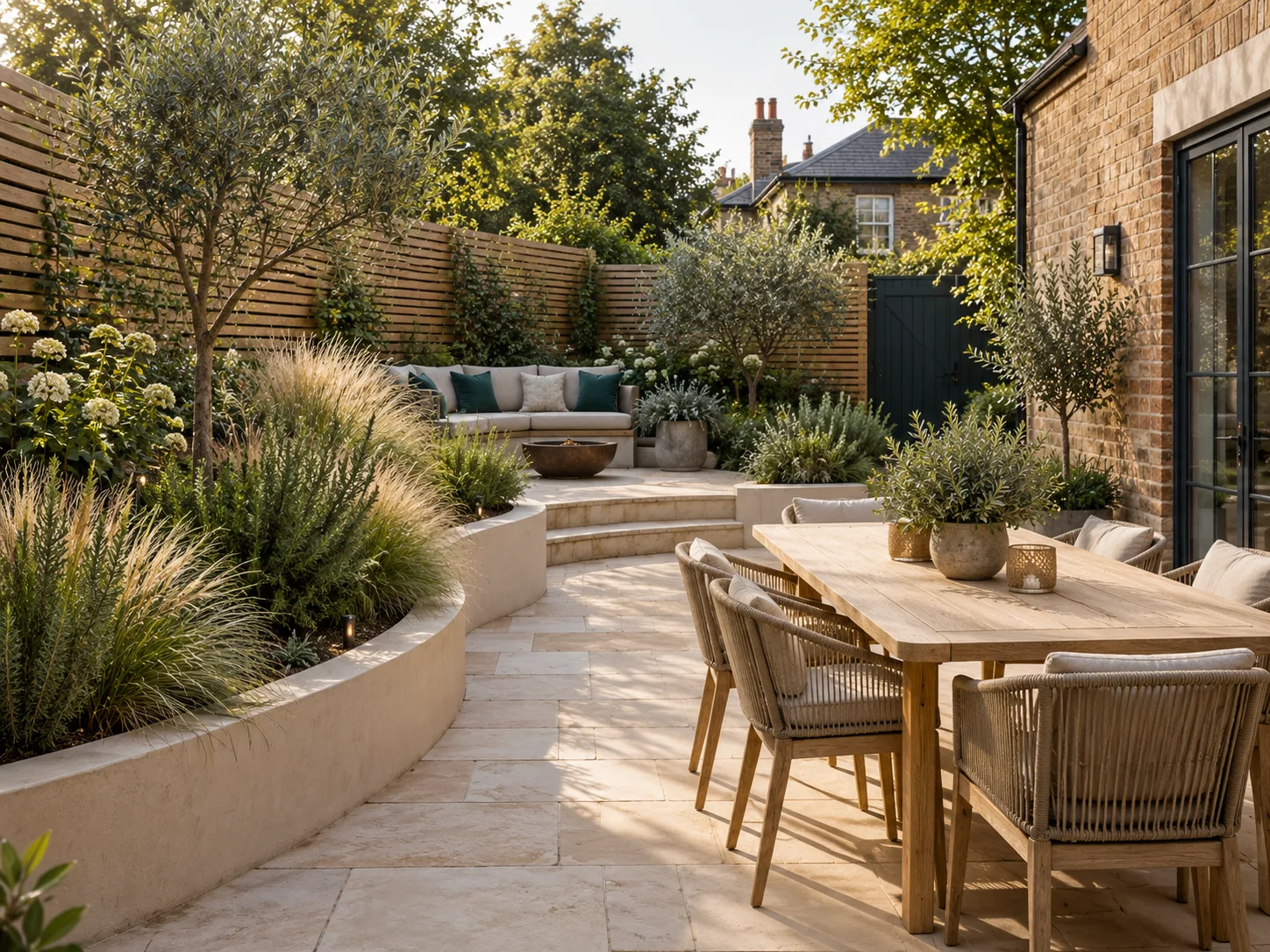 Illustrative example. Generate your own result in your workspace.
Render and cladding
Bring a facade finish into view.
Apply a render colour to the property photo while keeping its architecture and context.
Example instructionApply warm off-white render only to the exterior wall. Keep windows, roof and property proportions.
Upload a reference to use an exact material. Instructions are optional when a material is selected.
Try this for your business ↗Roof
Compare a roof finish.
Visualise roof materials and colours as an illustrative sales aid for your customer's property.
Example instructionReplace only the visible roof finish with dark slate. Keep its pitch, outline, guttering and surroundings.
Upload a reference to use an exact material. Instructions are optional when a material is selected.
Try this for your business ↗Garden landscaping
Let them picture the outdoors.
Show paving, planting or landscaping options within the customer's garden and boundary.
Example instructionReplace the patio surface with pale limestone paving. Preserve the garden boundaries and existing house.
Upload a reference to use an exact material. Instructions are optional when a material is selected.
Try this for your business ↗A repeatable sales workflow
From photo to a useful conversation.
01Use their space.
Capture or upload a clear photo of the chair, window, room, property or garden.
02Show your products.
Add a material reference from your catalogue, a one-off swatch or a plain-language request.
03Help them decide.
Review the visual, then capture the enquiry or prepare a quote with the choice attached.
Generated images illustrate a choice. Confirm dimensions, colour, fit and availability before ordering.